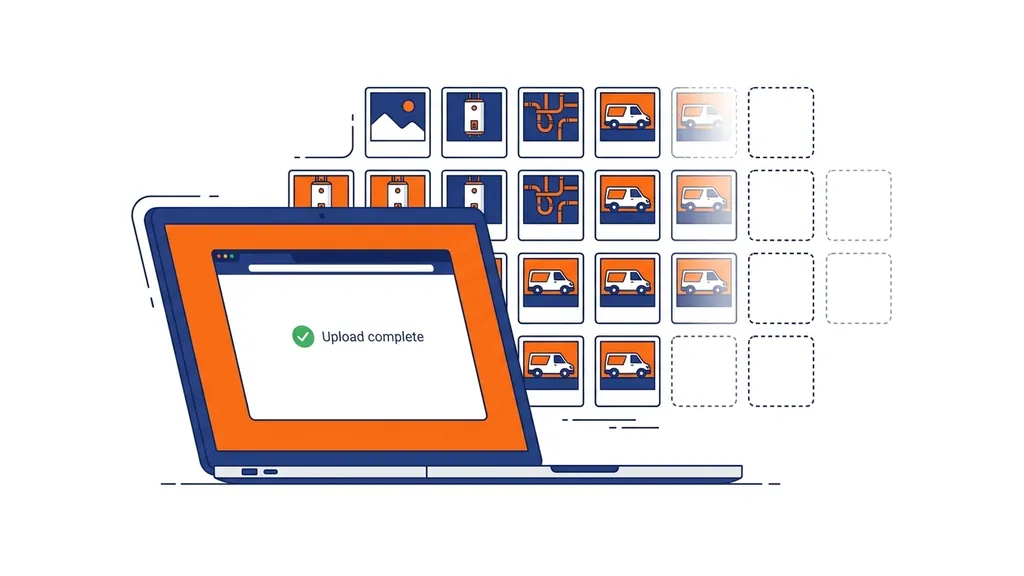
Google said "Upload complete". The photos never made it to the profile.
The short version
If you upload photos to Google Business Profiles in bulk, “Upload complete” doesn’t mean the photos are on the profile. In our case, after roughly 50 uploads from one Google account in a day, every later upload looked successful and then disappeared after a page reload. It happened on every profile, with no error or warning anywhere. We now cap uploads at about 40 per Google account per day, and we reload and count after every batch.
Google doesn’t publish a daily photo limit for profile managers, so treat this as what we saw, not a documented rule.
Why we upload so many photos
I do local SEO for home-service businesses: plumbers, HVAC, junk removal, contractors. Part of the weekly routine is adding real job photos to each client’s Google Business Profile, around 10 per profile. Fresh, genuine photos help the profile look active, and they give people searching on Maps a reason to click.
All of those profiles are managed from one agency Google account, and the uploads go through the normal web uploader in Chrome. That detail turned out to matter.
What happened
On one day, the first batches went exactly as expected. Photos uploaded, showed up in the profile’s photo section, and were still there after a reload.
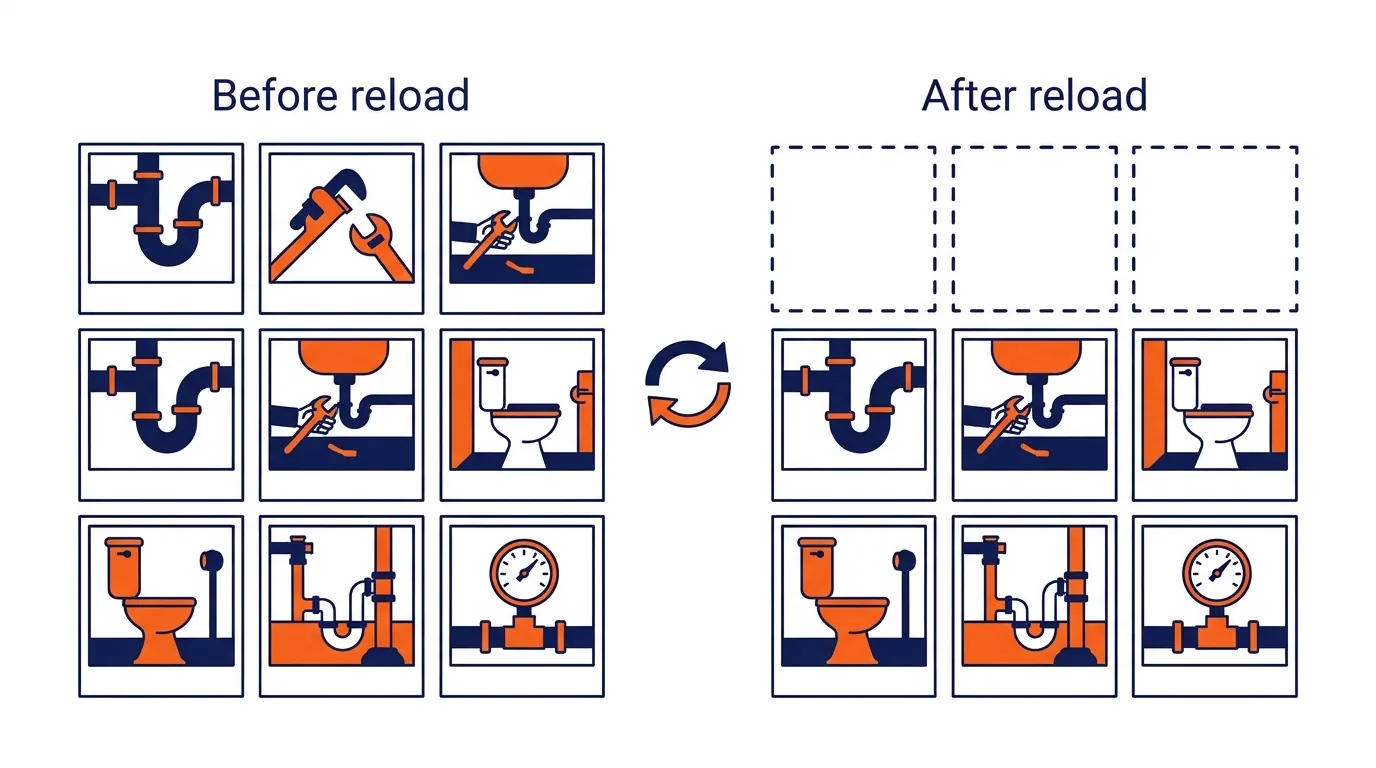
Then, at around 50 photos for the day, things changed without any sign that they had. The uploader still went through its usual steps and said “Upload complete”. The new photos even appeared in the grid. But after I reloaded the page, they were gone. The count of photos added that day showed zero.
There was no error message, no “rejected” notice, no email and nothing in the profile itself. Each upload looked fine until I checked it.
How we checked it wasn’t one profile
My first thought was that a single profile had been flagged. So I tried a different profile, one that hadn’t had a single upload that day. It failed in exactly the same way: “Upload complete”, photos in the grid, gone on reload.
That ruled out a problem with any one listing. Whatever was going on applied to the whole account across every profile it manages. A retry later the same day failed too.
A profile managed from a different Google account was unaffected, which also points at the account, not the profiles.
What we think is going on
We don’t know for certain, and Google hasn’t said. The pattern looks like a quiet per-account rate limit: past a certain number of uploads in a day, new photos are accepted on screen and then dropped in the background instead of being refused with a message.
Whatever the cause, the practical problem is the silence. A person or a tool watching the uploader would report success. You only find out by reloading and counting.
What we do now

- Cap uploads at about 40 per Google account per day, counted across all profiles, not per profile. That leaves a margin under where we saw the drops start.
- Reload and count after every batch. If the profile shows the photos after a reload, they’re in. If it doesn’t, they aren’t, whatever the uploader said.
- Stop at the first zero. If a reload shows none of a batch, we stop uploading from that account for the day. Retrying just produces more silent failures, or duplicates once the limit resets.
- Carry the rest to the next day. We keep the originals unmoved and the photo picks noted, so nothing gets lost or uploaded twice.
- Spread work across accounts only where it already belongs. A profile managed by a different account has its own count, but we don’t open extra accounts to get around a limit.
If you manage photos for several profiles
Photos are still worth the effort for local rankings and clicks, so this isn’t a reason to stop. It’s a reason to check. If your photos seem to vanish, or a client says the photos you sent never showed up, look at how many uploads went through that Google account that day before you assume anything else went wrong.
Have you seen Google Business Profile photos disappear after uploading? I’d like to compare notes. Message me on LinkedIn.